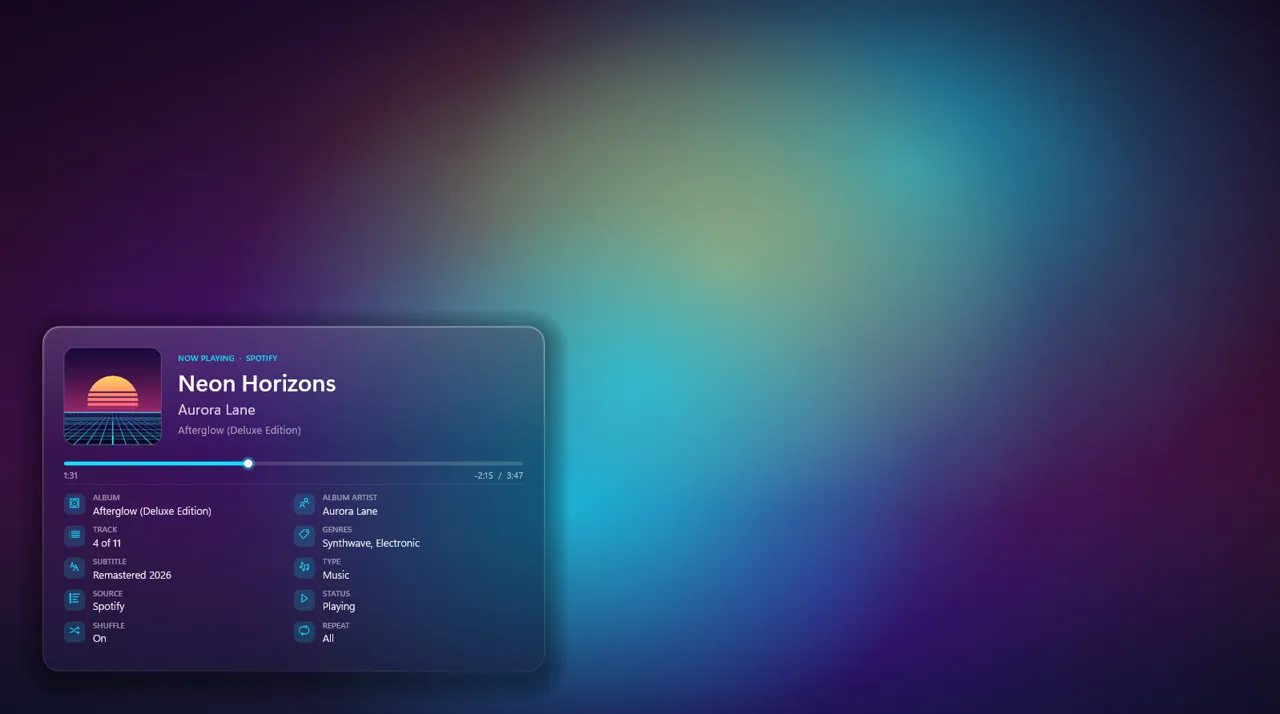
Modern
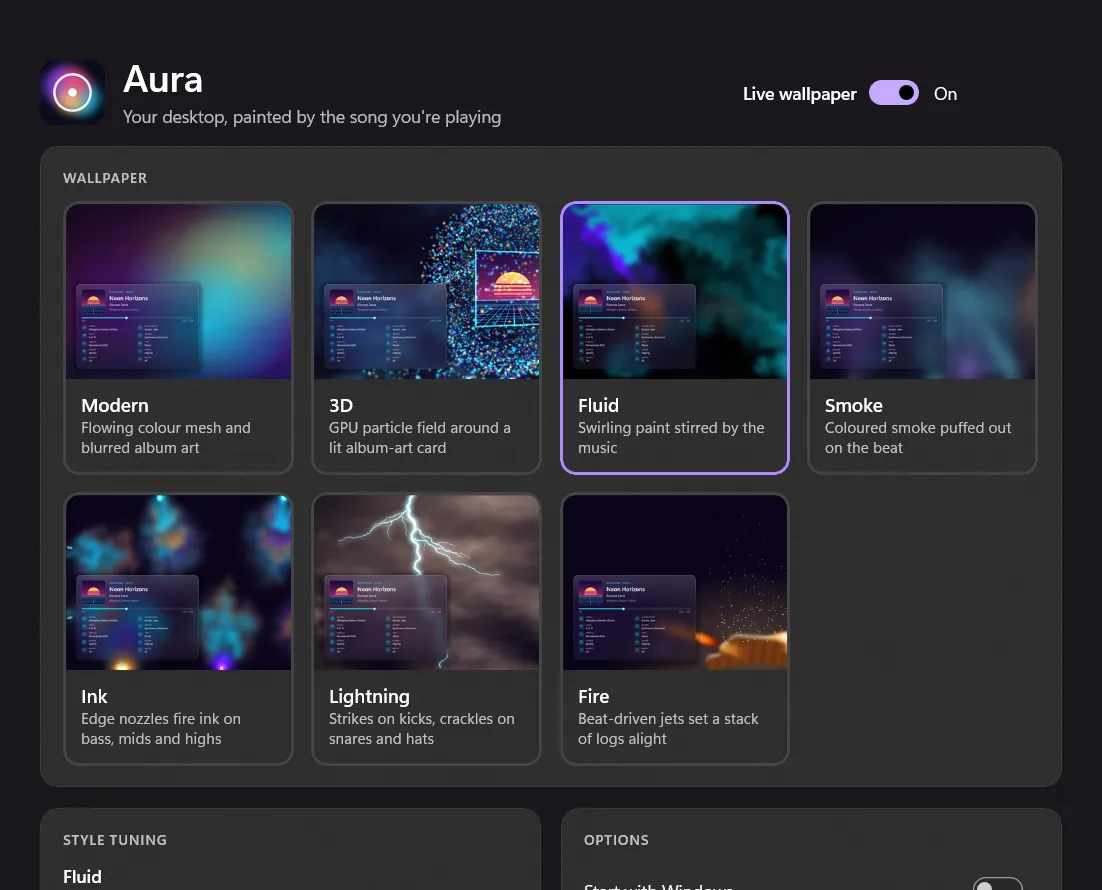
Flowing colour mesh and blurred album art.
Aura Live Wallpaper turns the background behind your desktop icons into a living scene. It takes its colours from the album art of whatever you're playing and moves to the beat.
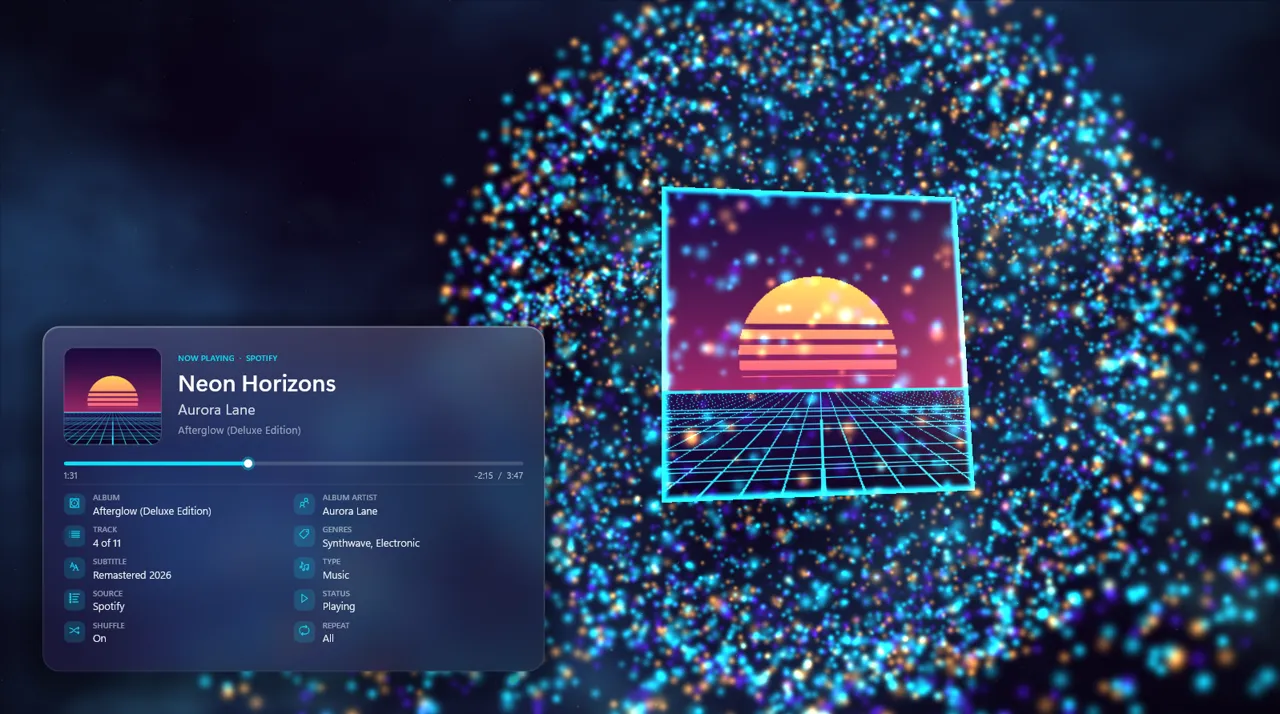
Pick one in the app and it's applied to your desktop instantly. Every style uses the album's palette and the same frosted-glass now-playing panel.
Flowing colour mesh and blurred album art.
A GPU particle field orbiting a lit album-art card.
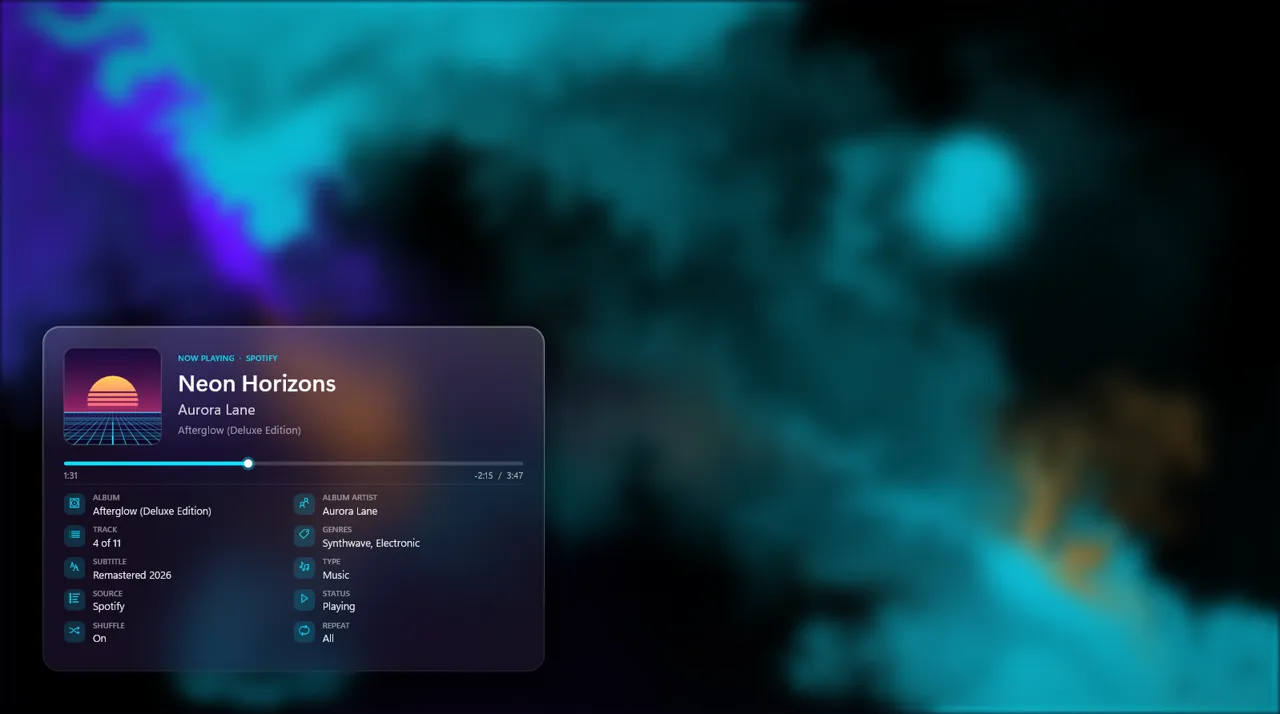
Swirling paint stirred by the music.
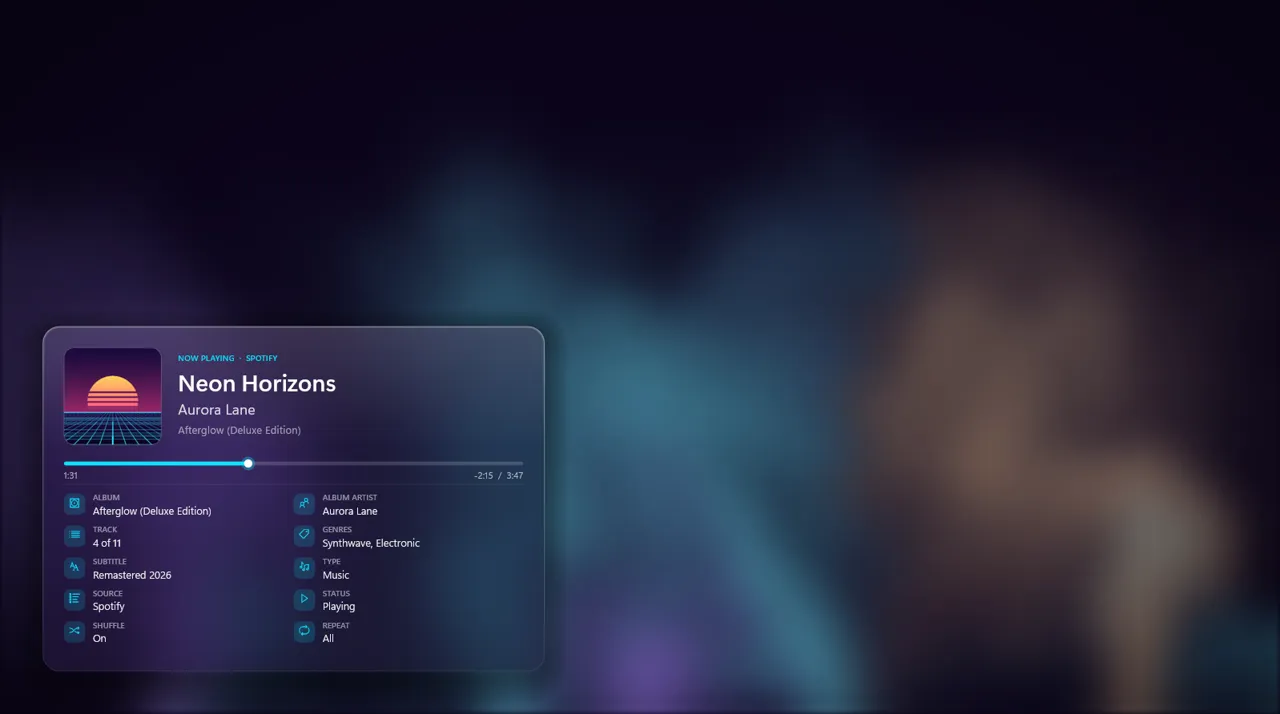
Coloured smoke puffed out on the beat.
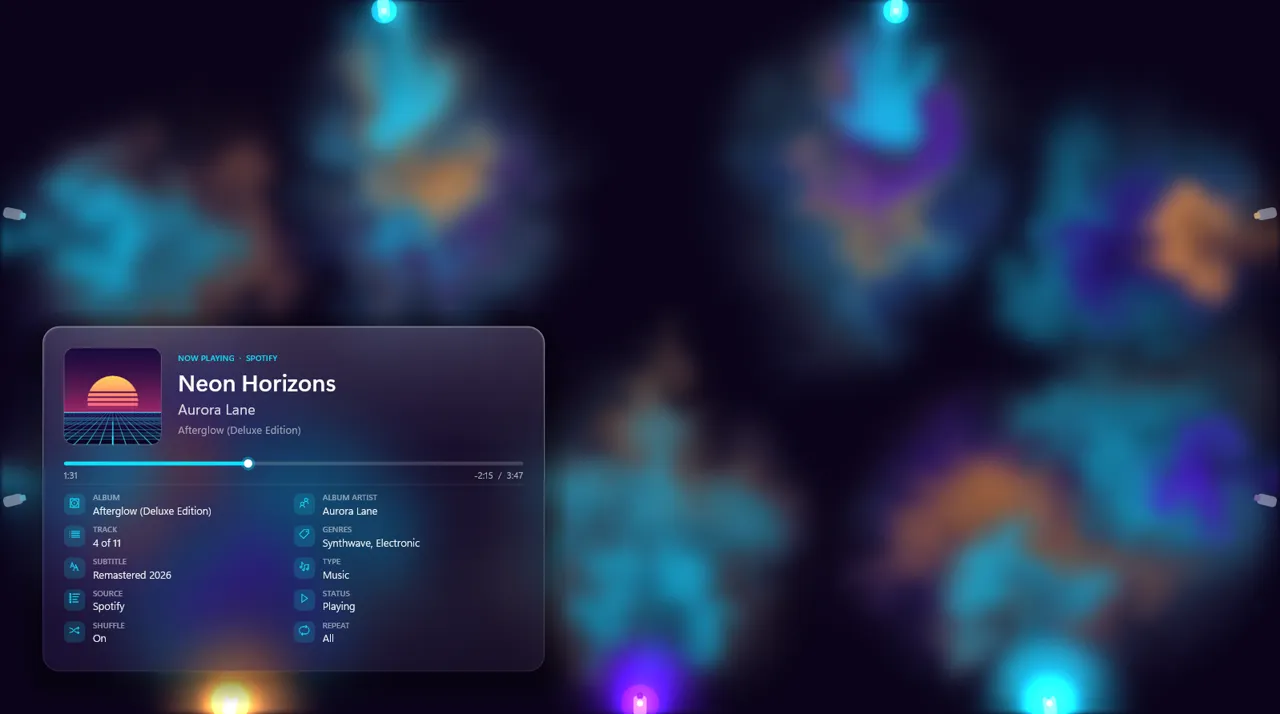
Nozzles fire ink on bass, mids and highs.
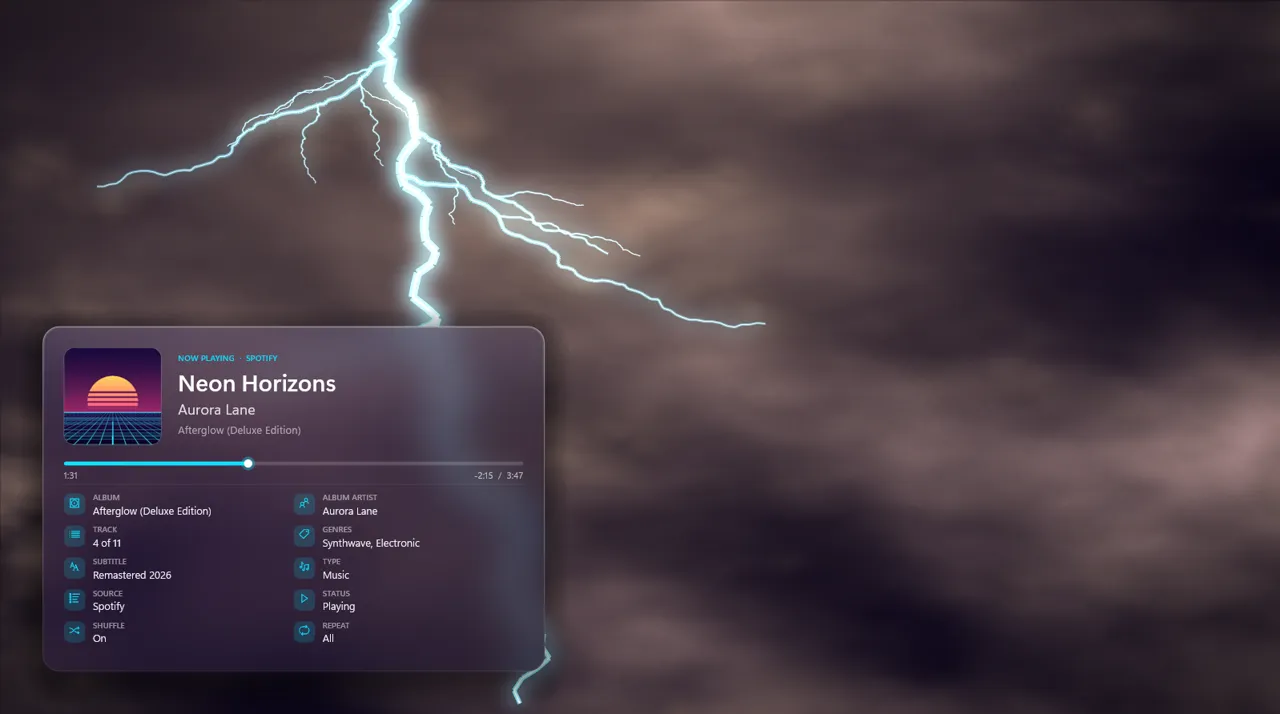
Strikes on the kick, crackles on snares and hats.
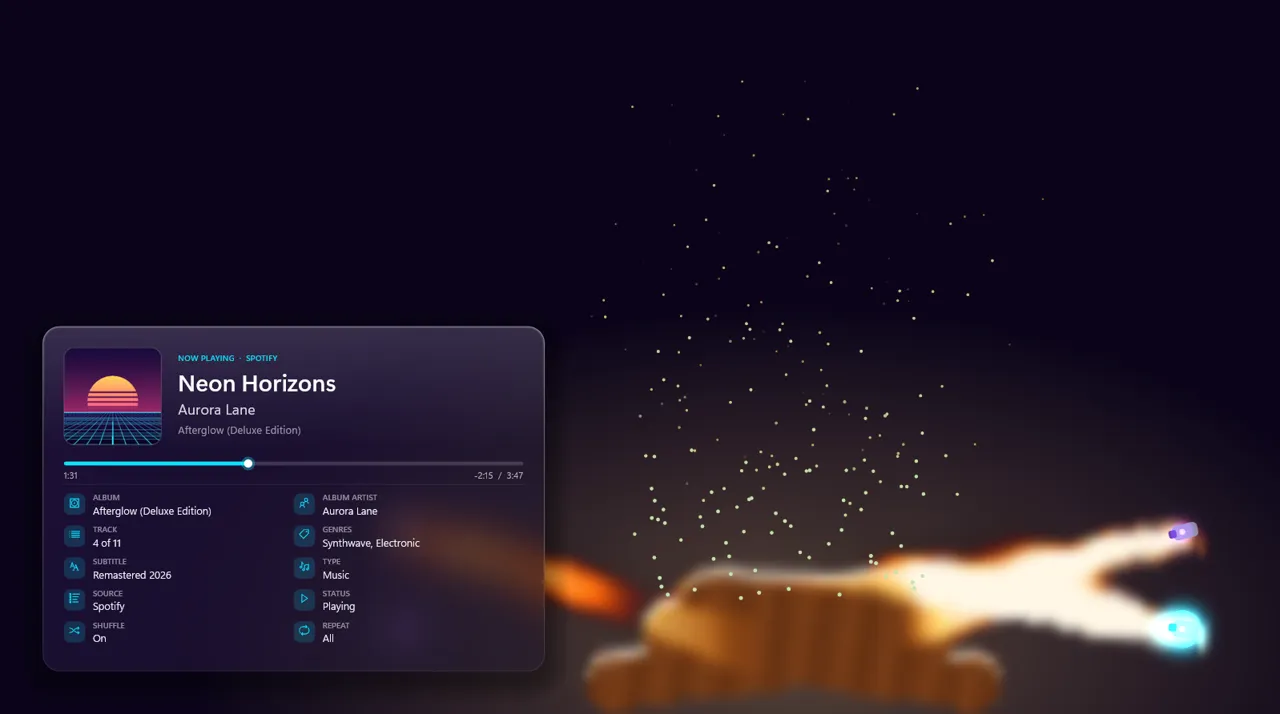
Beat-driven jets set a stack of logs alight.
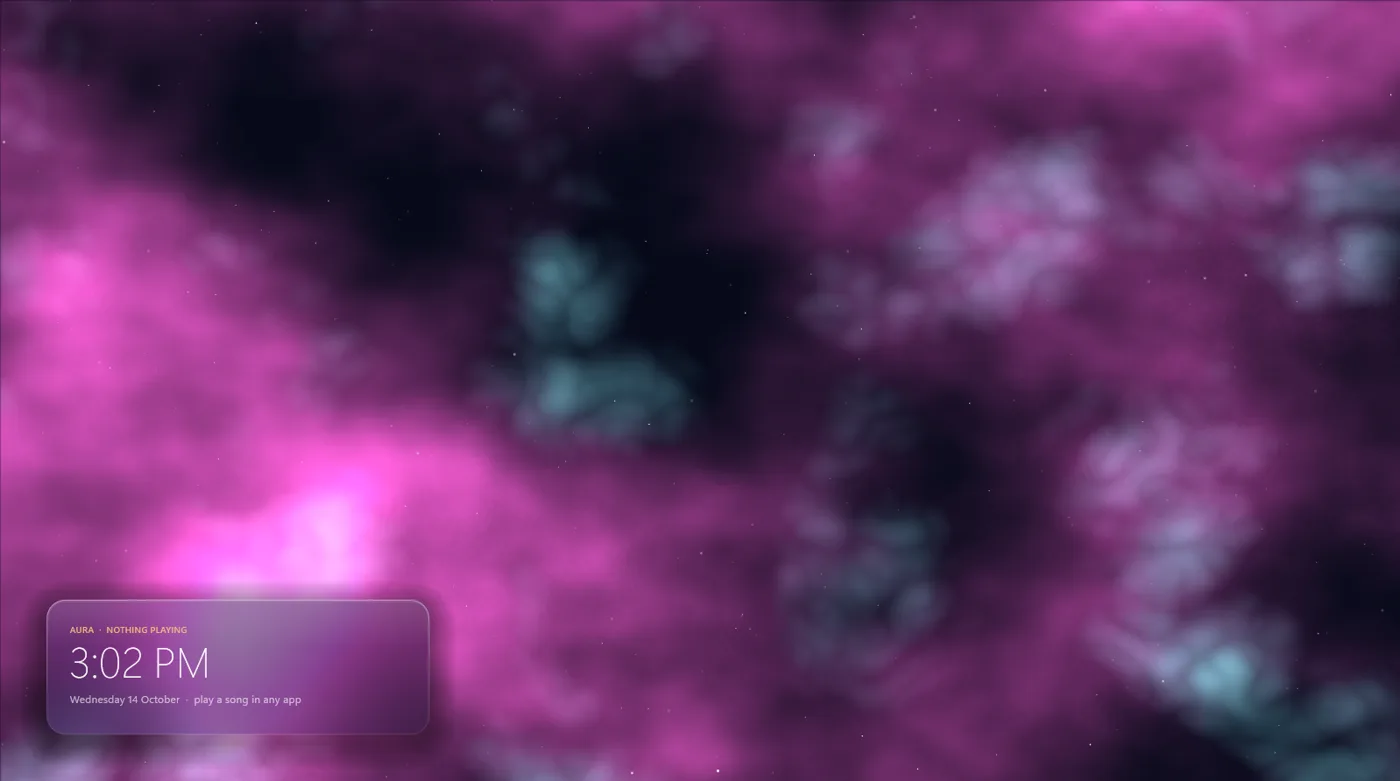
An animated nebula drifts across your desktop until the next song starts.
Light, native and private. It's a real wallpaper, not a window.
Renders as the actual desktop wallpaper across all your monitors and restores your own wallpaper when you exit.
Takes a palette from the cover of every song and fades smoothly between tracks.
Bass, mids and highs are detected from your PC's audio output, live and on-device.
Title, artist, album, track number, genres, source app, shuffle and repeat, and a sleek progress bar.
Per-style intensity and beat-sensitivity sliders, plus a 15, 30 or 60 fps cap.
Pauses for full-screen games and videos and when battery saver is on.
Save the current frame as your normal Windows wallpaper with one click.
No account, no tracking, no network. Nothing ever leaves your PC.
A native WinUI 3 window with Mica and glass styling. Choose a style, switch the live wallpaper on or off, start with Windows and tune everything, or control it from the tray icon.
Version 1.0.2 for Windows 10 (2004+) and Windows 11, x64. Per-user install, no admin needed.
Aura Live Wallpaper isn't published on the Microsoft Store yet. Keep an eye out for updates! In the meantime you can download the installer directly.